

Synoptic Designer supports keyboard shortcuts for tool activation, editing commands, viewport navigation, and object manipulation.
On macOS, use Command where the table says Cmd/Ctrl. On Windows, use Ctrl.
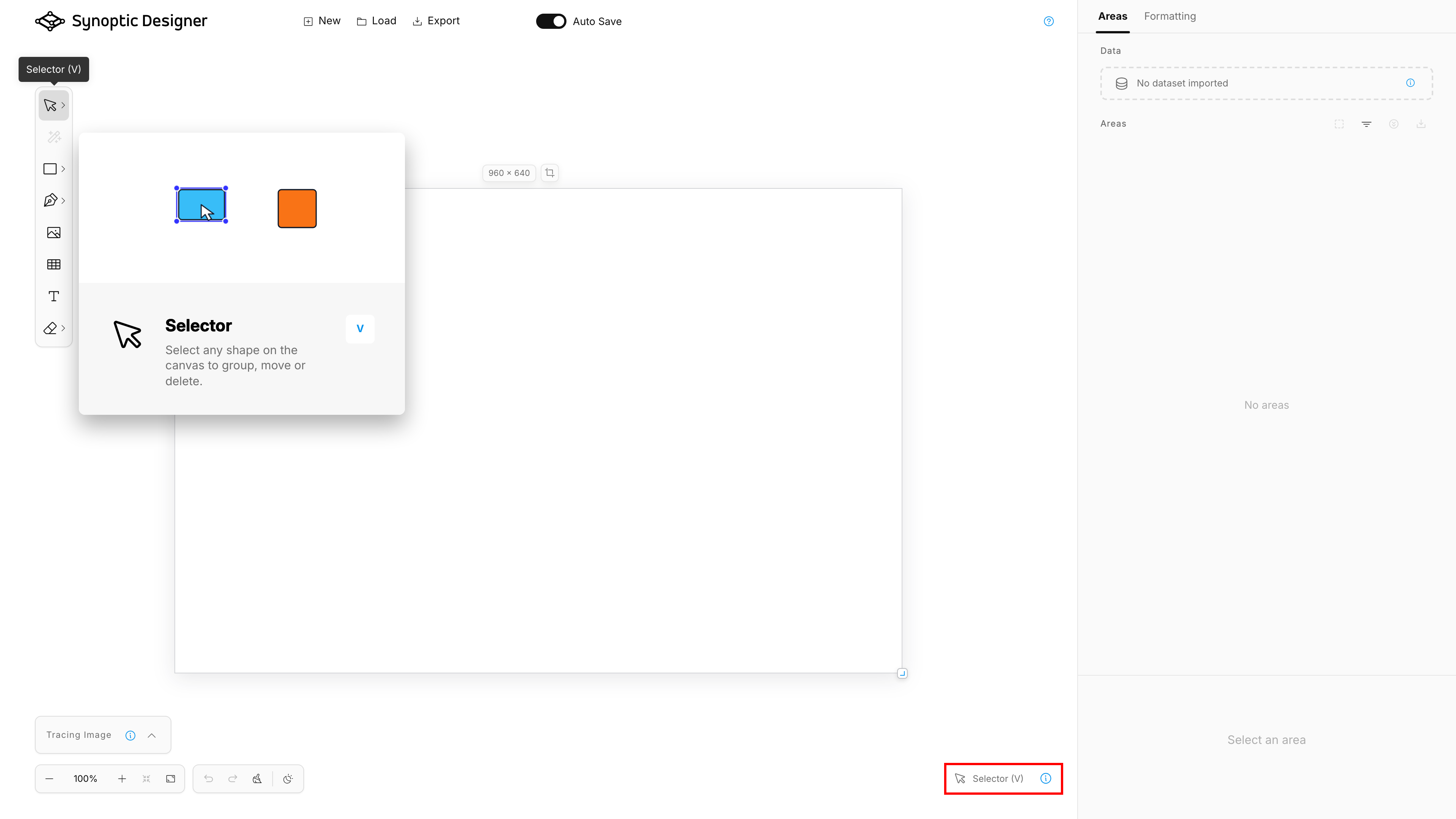
Tool Shortcuts
| Shortcut | Action |
|---|---|
V |
Selector |
A |
Node Selector |
H |
Pan |
Y |
Magic Wand |
| Backslash | Line |
R |
Rectangle |
L |
Ellipse |
P |
Freehand |
G |
Grid |
T |
Text |
E |
Eraser |
Shift+E |
Erase Node |
K |
Toggle Keep after Use when available |
Some tools, such as Pen, Split, Image/SVG insertion, Triangle, Diamond, Pentagon, Hexagon, and Scallop, are selected from toolbar groups and do not have a dedicated keyboard shortcut in the current shortcut map.
Selection and Editing
| Shortcut or gesture | Action |
|---|---|
| Click object | Select object |
| Drag empty canvas with Selector | Lasso select |
| Arrow keys | Move selected objects by a small step |
| Shift+Arrow keys | Move selected objects by a larger step |
| Delete or Backspace | Delete the current selection |
| Escape | Release selection or finish/cancel active editing state depending on the current tool |
| Double-click text | Edit text |
| Double-click grouped content | Drill into a child element where supported |
| Click a Magic Wand preview directly | Insert the previewed area |
| Click another bitmap region with a Magic Wand preview | Replace the preview |
| Escape, Delete, or Backspace with a Magic Wand preview | Cancel the preview |
Object Commands
| Shortcut | Action |
|---|---|
Cmd/Ctrl+C |
Copy selected areas to the internal editor clipboard |
Cmd/Ctrl+V |
Paste copied areas with fresh IDs |
Cmd/Ctrl+D |
Duplicate selection |
Cmd/Ctrl+R |
Rename selected area |
Cmd/Ctrl+G |
Group |
Cmd/Ctrl+U |
Ungroup |
Cmd/Ctrl+H |
Hide or show |
Cmd/Ctrl+L |
Lock or unlock |
Cmd/Ctrl+] |
Bring forward |
Cmd/Ctrl+[ |
Send backward |
Shift+Cmd/Ctrl+] |
Bring to front |
Shift+Cmd/Ctrl+[ |
Send to back |
Copy and paste use Synoptic Designer’s internal clipboard. They do not require browser clipboard permissions and do not copy SVG payloads to the operating system clipboard.
History and Zoom
| Shortcut or gesture | Action |
|---|---|
Cmd/Ctrl+Z |
Undo |
Cmd/Ctrl+Shift+Z |
Redo |
Ctrl+Y |
Redo on supported platforms |
Shift+Cmd/Ctrl+Plus |
Zoom in |
Shift+Cmd/Ctrl+Minus |
Zoom out |
| Mouse wheel | Zoom the viewport |
| Horizontal wheel | Pan horizontally |
Unshifted browser zoom shortcuts are left to the browser or operating system.
Temporary Modifiers
| Modifier | Action |
|---|---|
| Space | Temporarily pan the viewport |
| Middle mouse button | Temporarily pan the viewport |
| Shift while placing Pen anchors | Constrain the next segment to horizontal, vertical, or 45 degrees |
| Shift while drawing supported preset shapes | Keep a square aspect ratio |
Alt/Option while dragging a selection |
Duplicate and move the copied selection |
Alt/Option while transforming |
Bypass smart-guide snapping |
Alt/Option while resizing where supported |
Resize from the center |
Alt/Option while dragging a curve handle |
Move one handle independently |
Alt/Option near the first Pen anchor |
Bypass close snapping |
Node Editing
| Shortcut or gesture | Action |
|---|---|
| Insert | Add a node in Node Selector context |
| Delete or Backspace | Remove selected or targeted node when geometry remains valid |
| Right-click path in Node Selector | Open node commands |
| Right-click visible node | Open add and remove node commands |
| Drag visible node | Move the point |
| Drag visible curve handle | Adjust the curve |