

Use Grid to generate repeated editable SVG areas across the artboard.
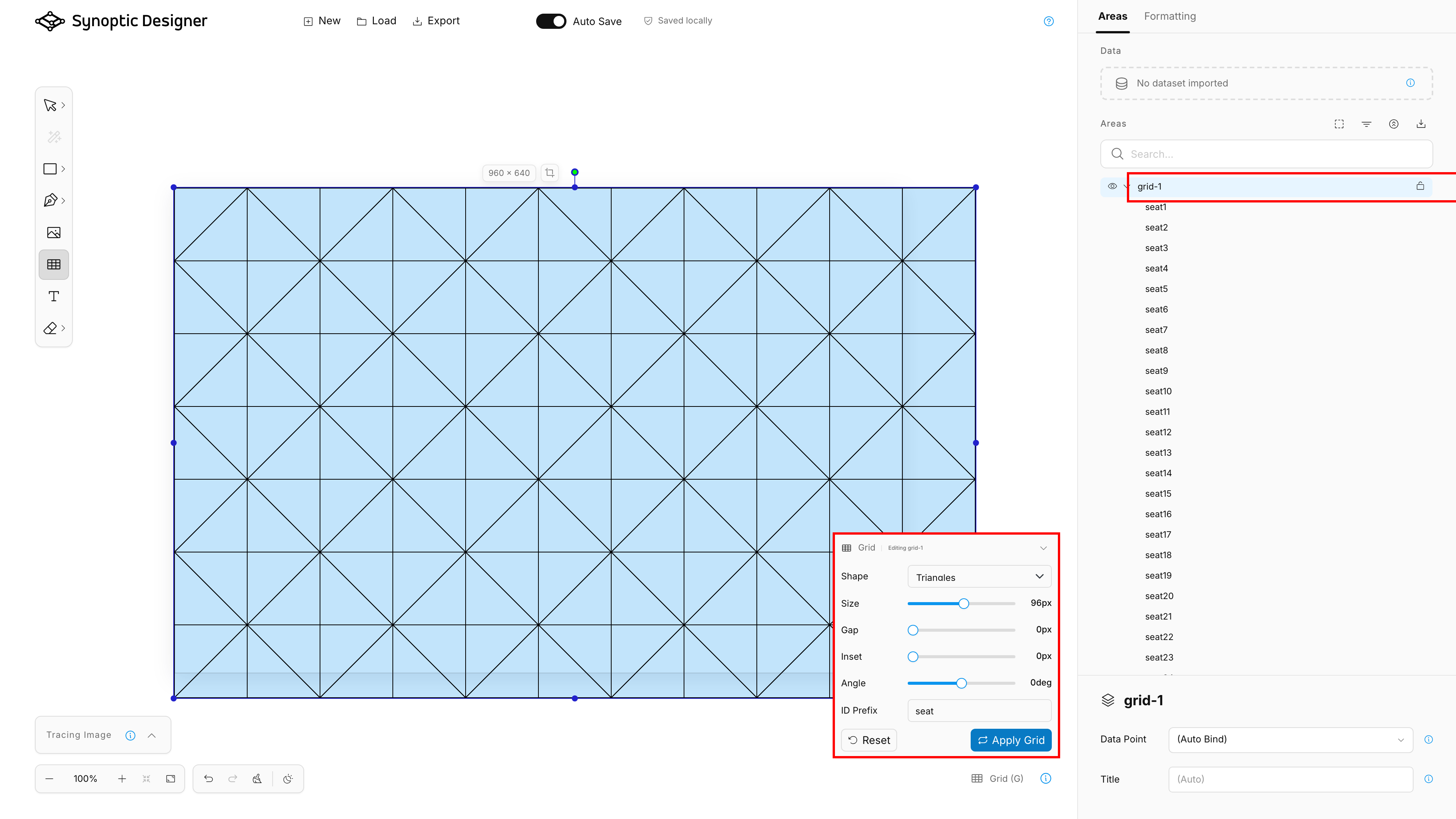
The default grid is a honeycomb overlay. Generating the grid inserts one SVG group, such as grid-1, whose child cells are independent areas with predictable IDs based on the configured prefix.
Options
The Grid options panel includes:
- Shape, with Honeycomb, Squares, Circles, and Triangles;
- Size, which controls the cell size;
- Gap, which adds spacing between cells;
- Inset, which reduces the target area inward from the artboard edges;
- Angle, which rotates supported cell layouts;
- ID Prefix, which controls the generated cell ID prefix.
When creating a new grid, changing options updates the live preview without modifying the SVG document. Use Generate to insert the previewed grid. After generation, Synoptic Designer returns to Selector.
Use Default to restore the default Grid settings before generating a new grid.
Editing an Existing Grid
Selecting a generated grid group, or one of its generated cells, reloads that grid’s stored options in the Grid panel. The panel shows whether it is creating a New Grid or editing an existing group such as Editing grid-1.
When editing an existing generated grid, the panel exposes only the live-editable sliders: Size, Gap, Inset, and Angle. Slider changes regenerate the selected grid directly and show an in-canvas Generating Grid status while the update is applied.
Editing replaces that grid group only. Other manually created areas and other generated grids are not removed.
Limits
Dense settings can create many SVG areas. When the complete grid would exceed the supported cell cap, Synoptic Designer shows a warning and disables Generate. Increase Size, Gap, or Inset to generate fewer cells.