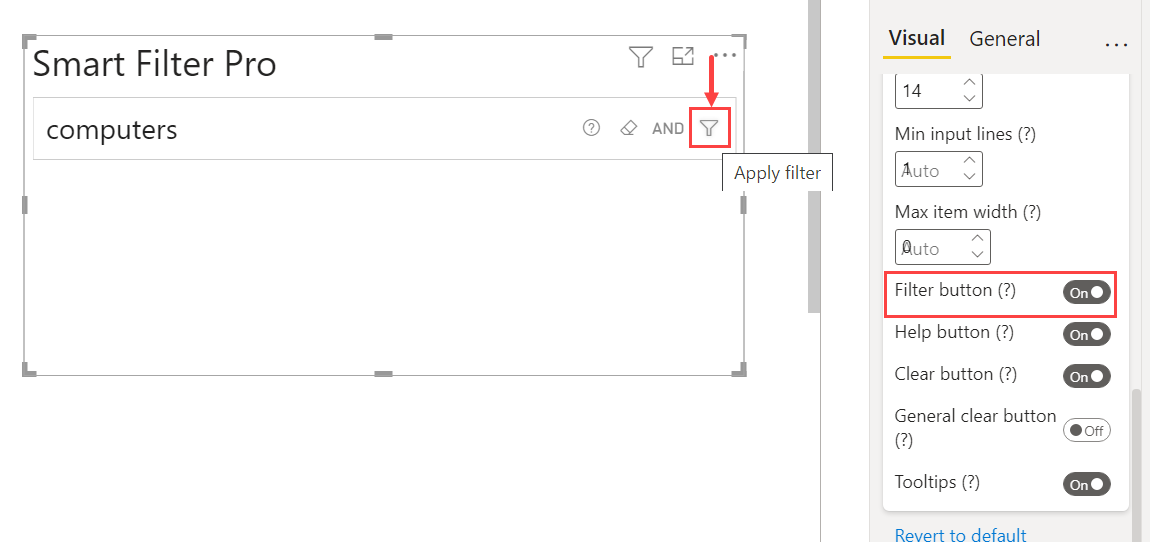

Default value: On
This option, if enabled, shows a button inside the input controls to apply the filter. In case this option is not enabled, the button is hidden and you can apply the filter by pressing the Enter key with Filter mode, or CTRL + Enter (Cmd + Enter on Mac) with Search mode.