

If you want to move from OKVIZ Licensing to AppSource Licensing, there is no direct switching path. The two subscriptions are managed separately and cannot be converted automatically.
To switch licensing systems, you must:
- Cancel the current OKVIZ subscription.
- Create a new AppSource subscription for the same visual.
- Replace the OKVIZ visual in your reports with the AppSource version.
1. Cancel the OKVIZ Subscription
Follow these steps in your OKVIZ account:
- Visit your OKVIZ account dashboard, go to the Subscriptions section, select the subscription you want to cancel, and press the Cancel button.
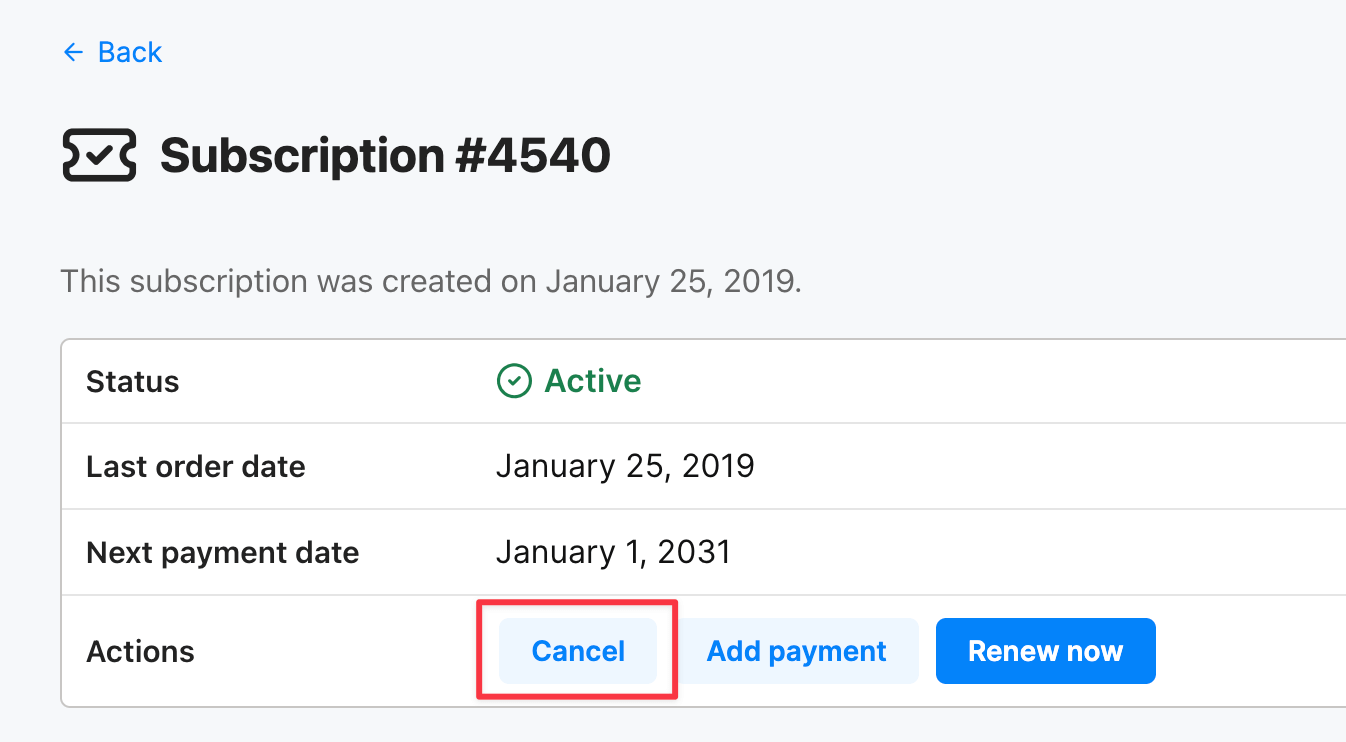
The subscription will be cancelled at the end of the current billing period.
2. Create the New AppSource Subscription
After you have cancelled the OKVIZ subscription, create a new subscription from AppSource:
-
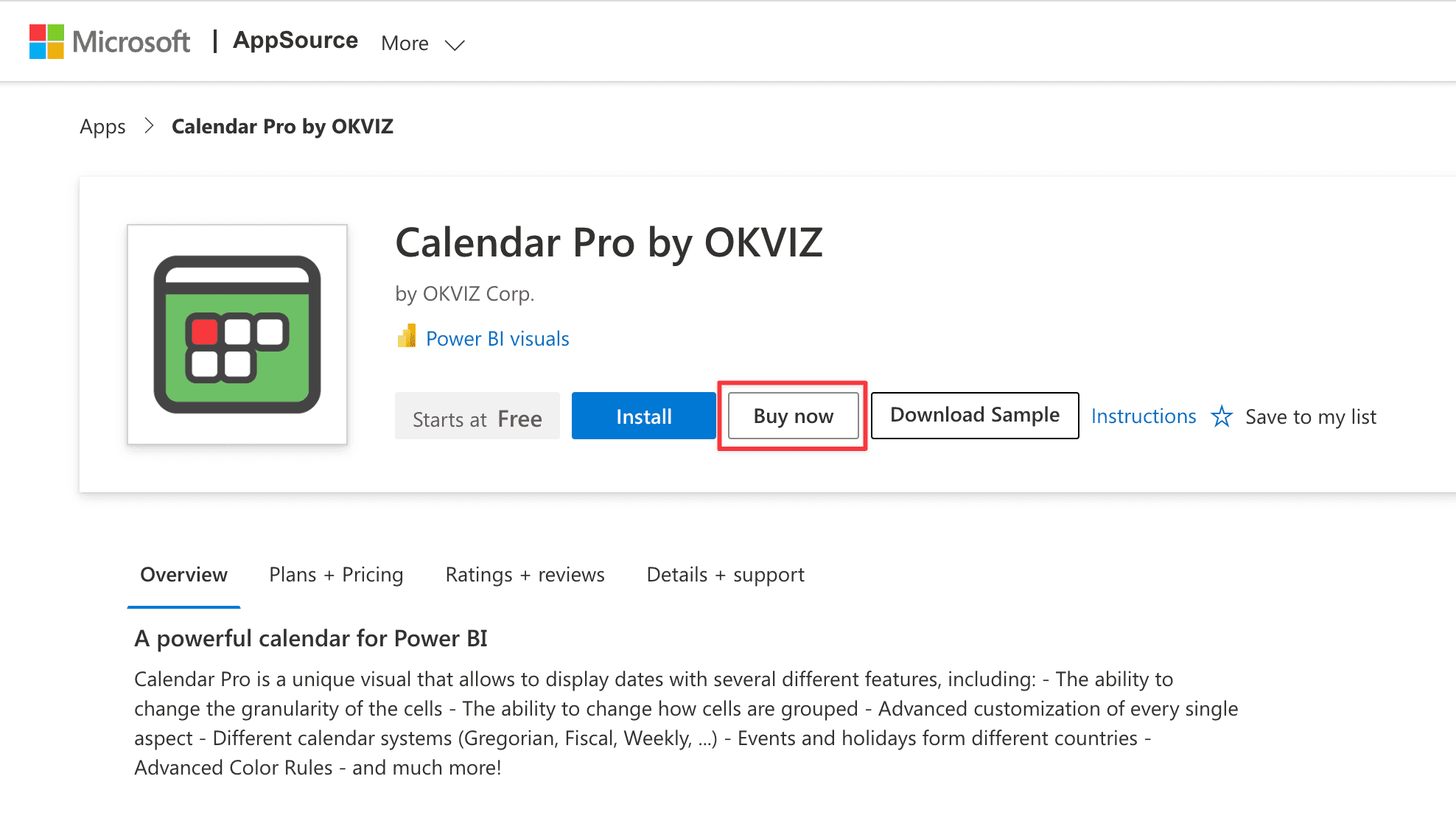
Visit the AppSource page of the OKVIZ visual you want to license and click Buy now.
-
Choose the billing terms and the number of users to license, then complete the Microsoft checkout.
-
After the purchase, assign the licenses to your users or groups from the Microsoft 365 admin center.

For the detailed purchase and assignment steps, see AppSource Licensing.
3. Replace the Visual in Your Reports
Switching the subscription does not convert the OKVIZ visual already used in your reports into the AppSource version. After the switch, you must add the visual again from AppSource and use that version in your reports.
-
Open each report that still uses the OKVIZ version.
-
Select the ellipsis from the bottom of the Visualizations pane and choose Get more visuals.
-
Search for the visual in AppSource and press Add, as described in Installation from AppSource.
-
Replace the OKVIZ version in the report with the AppSource version of the visual.
Important Notes
- The OKVIZ subscription and the AppSource subscription are independent. Existing OKVIZ subscription data is not transferred to Microsoft.
- AppSource Licensing is per-user, so users or groups must be assigned after the purchase.
- The OKVIZ visual already present in the report does not automatically become an AppSource visual when you switch the subscription.
- If you still need uninterrupted access, plan the switch around the end of the current OKVIZ billing period.